Edit Content

About Bayshore Structures

Bayshore Structures is a multi-disciplined engineering services firm that uses cutting-edge BIM and other cutting-edge technical technologies to give sophisticated engineering services & solutions to the construction sector. We have a track record of successfully completing a variety of complicated projects across numerous nations and have been providing industry service since 2015. By adjusting to their continuously changing needs, we have created specialised knowledge and a multidisciplinary perspective for a wide range of clients in the AEC sector, including architects, engineers, contractors, fabricators, and facility managers. We are a team of gifted people dedicated to providing high-quality services and solutions to a variety of esteemed clientele in numerous business sectors. We remain grounded because we are eager to learn and always get better. We are inspired to work harder while understanding the demands of our clients and developing solutions for them through our love for engineering and commitment to excellence.

Our project management and sales procedures are organised and geared to put the needs of specific clients first. To ensure the highest quality standards, we have developed and established our engineering processes and frameworks. Together, our engineering professionals from many fields adapt and improve the methods in accordance with the demands of each client.

CAD Conversions

CAD Conversions

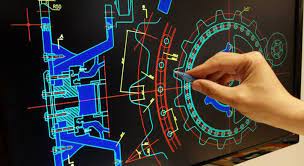
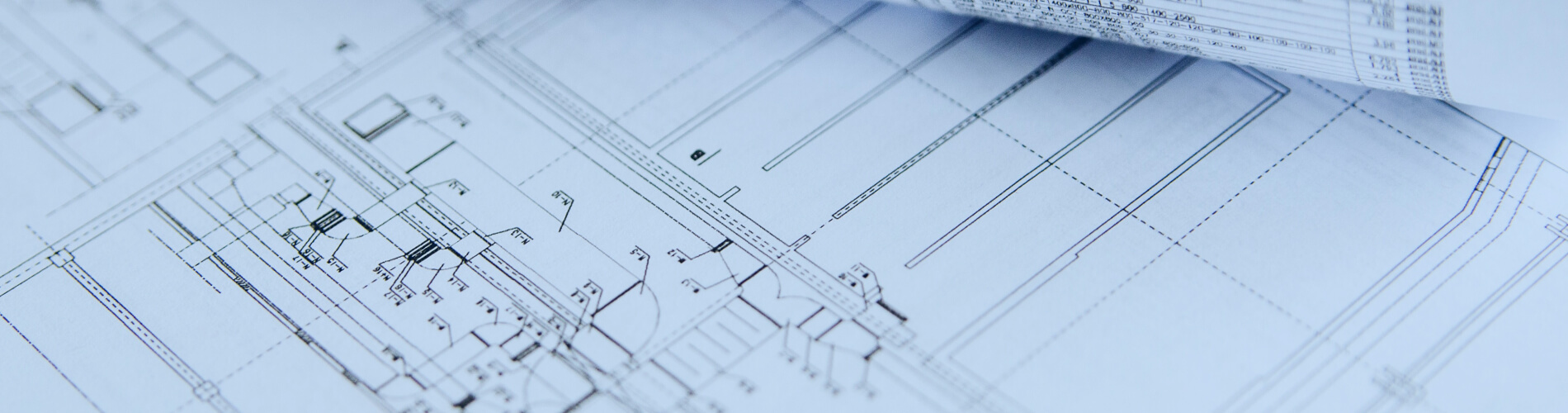
All designs, whether architectural, mechanical, or civil, used to be created manually on a set of blueprints or paper in the past. The information needed to properly design the project was included in these plans. But CAD is now the industrial norm. So many blueprints need to be updated or converted to CAD, to put it another way. This is where the phrase “CAD conversion” originates. There are many businesses that view technical data as a crucial asset. The operation of the firm depends on effective management of this data. Similar to this, CAD conversion is useful for businesses who need to produce and store blueprints. Hard copy paper work can be archived, retrieved, copied, edited, and shared more easily when it is converted to electronic format.

CAD Conversions

All designs, whether architectural, mechanical, or civil, used to be created manually on a set of blueprints or paper in the past. The information needed to properly design the project was included in these plans. But CAD is now the industrial norm. So many blueprints need to be updated or converted to CAD, to put it another way. This is where the phrase “CAD conversion” originates. There are many businesses that view technical data as a crucial asset. The operation of the firm depends on effective management of this data. Similar to this, CAD conversion is useful for businesses who need to produce and store blueprints. Hard copy paper work can be archived, retrieved, copied, edited, and shared more easily when it is converted to electronic format.
Advantages of CAD Conversion:

Advantages of CAD Conversion:

  • Digital files can be indexed and kept centrally for free access throughout the company.
  • CAD files feature distinct layers for each part and exact dimensioning.
  • Converted files can have allowed access and be password-protected.
  • Simple to modify and edit for renovation changes

What are the features that CAD offers?

Absolute and relative coordinates
Snaps, modifiers, and constraints
General Note
Excavation Drawing
Drawing tools
Layers
As-Built drawings
Line Plan
General Note
Macros & scripts
Shop Drawings
Installation Drawings
Excavation Drawing
Raster to vector conversion
Location Drawings
Location Plan
Solid modelling

What are the features that CAD offers?

  • Absolute and relative coordinates
  • Snaps, modifiers, and constraints
  • Symbols
  • API programs
  • Solid modelling
  • Drawing tools
  • Layers
  • Macros & scripts
  • Raster to vector conversion
  • General Note
  • As-Built drawings
  • Shop Drawings
  • Location Drawings
  • Excavation Drawing
  • Line Plan
  • Installation Drawings
  • Location Plan
Scroll to Top